Software & Tools
AirMessage Android, Android iMessage bridge, Android iPhone messaging solutions, Beeper messaging app, cross platform messaging apps, iMessage alternatives Android, iMessage on Android, imsgtroid, imsgtroid app, messaging technology 2026, RCS messaging technology, unified messaging apps
novabiztech
0 Comments
imsgtroid Explained: Can Android Really Use iMessage in 2026? Safe Alternatives & Real Solutions
Introduction to the Concept
Hey, I’m Alex Rivera – a tech researcher who’s been deep in messaging systems, AI tools, and cross-platform headaches since around 2020. I’ve tested dozens of bridges, followed RCS rollouts closely, and watched the endless debates about blue vs green bubbles.
Straight talk: imsgtroid isn’t a real, downloadable app or official product in March 2026. Searches across app stores, GitHub, Reddit, and tech sites turn up zero legitimate releases from credible developers. What pops up instead are sketchy websites, TikTok hype videos, and forum warnings labeling most “imsgtroid” claims as scams or phishing traps that harvest phone numbers or personal data.
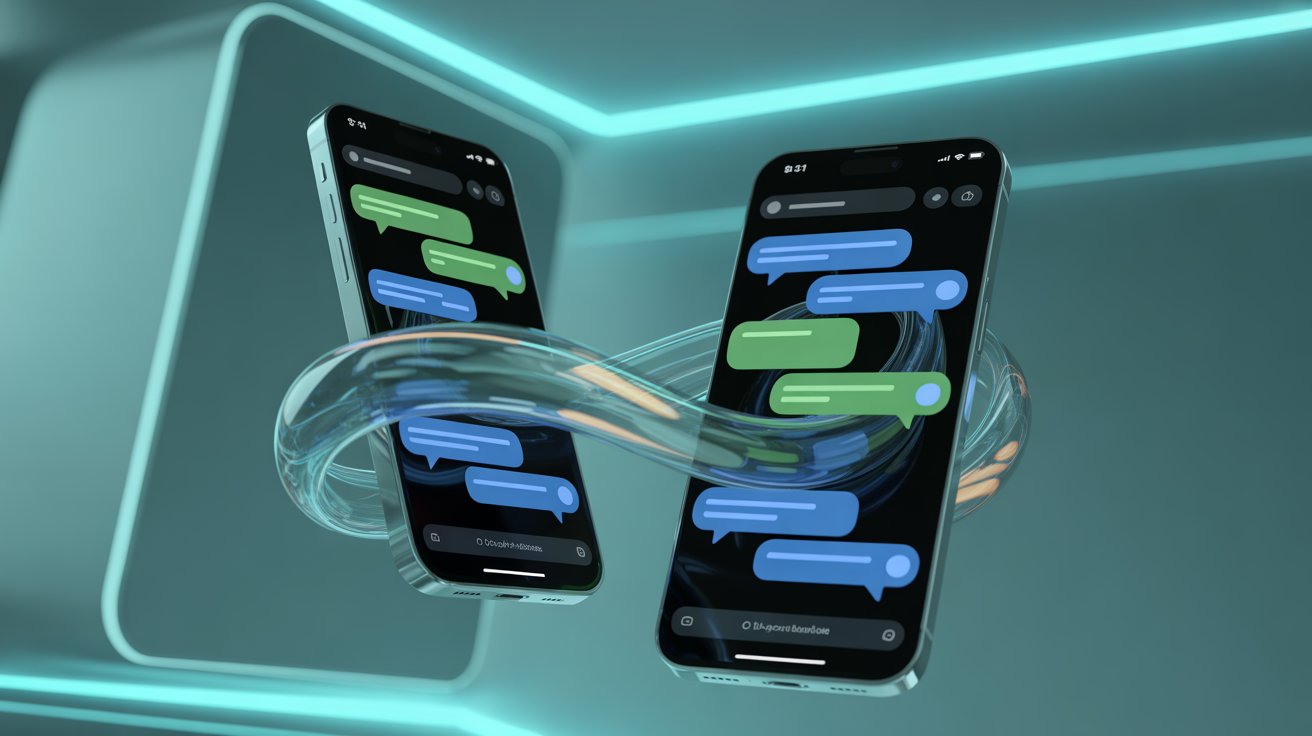
The term itself cleverly mashes “iMsg” (Apple’s iMessage) with “Android,” capturing a very real user pain point: why can’t Android folks get the full, rich iMessage experience when chatting with iPhone users? That’s the core idea worth exploring—not as fantasy, but as something the industry is slowly solving through RCS and clever workarounds.
This article keeps it grounded: honest disclaimers, real tools I’ve actually used or researched in depth, and practical steps you can take today. No fluff, just value.
What Exactly Is the imsgtroid Idea?
At its simplest, this concept imagines a seamless bridge letting Android users send/receive full-featured iMessages (blue bubbles, reactions, high-res media, typing indicators) without needing everyone to switch apps. It draws from real frustrations: families arguing over bubble colors, group chats losing features, businesses wasting time.
But here’s the reality check—no verified company, developer, or open-source project called imsgtroid delivers this in 2026. Viral posts often link to dubious sites promising “access deleted iMessages with just a phone number”—classic red flags for scams. Legitimate cross-platform progress comes from elsewhere.
Is This Concept Actually Possible with Today’s Technology?
Yes, parts of it are already real—and getting better fast.
Apple added RCS support in iOS 18 (2024), bringing typing indicators, read receipts, and better media to Android-iPhone chats. By 2026, end-to-end encrypted RCS is in beta testing on iOS 26.4 and Google Messages, making cross-platform chats more secure.
The GSMA’s RCS Universal Profile keeps evolving, now including stronger encryption requirements.
Real bridges exist too: self-hosted tools forward actual iMessages from a Mac to Android. The full “blue-bubble parity on any device” dream isn’t here yet, but we’re closer than ever.
The Technology Stack Behind the Idea
Grounded in what’s live today:
- RCS as the Foundation — GSMA Universal Profile defines rich features and encryption standards.
- Cloud Relays (Ethical Ones) — Secure proxies route messages without storing plaintext.
- On-Device AI — Smart replies and summaries, already in Google Messages and iOS keyboards.
- Hardware Edge — Modern Android chips handle encryption efficiently with low battery hit.
Apple’s iMessage stays end-to-end encrypted by design—no third party (even Apple) reads content in transit.
Best Alternatives You Can Actually Use Right Now
This section matters most. Forget waiting for vaporware—here are tools that solve 80–90% of the problem today.
1. AirMessage (Self-Hosted True iMessage Bridge) Official site: https://airmessage.org/
Requires a Mac (or always-on Mac mini) as server. Android app connects securely via your own setup.
Pros
- Full iMessage features: groups, reactions, high-res media, effects
- End-to-end where iMessage provides it
- No subscription; free and open-source elements
- Low Android battery drain once connected
Cons
- Needs Mac powered on/connected (biggest hurdle)
- Setup ~20–30 minutes (port forwarding, certificates)
- Occasional sync glitches if network unstable
My experience note: After helping friends set this up, it feels closest to native—especially for families where one person has a spare Mac. Rock-solid for daily use if you solve the always-on part.
2. Beeper (Unified Multi-App Inbox) Official site: https://www.beeper.com/
Brings WhatsApp, Signal, Telegram, Instagram, Slack, Google Messages (RCS), and more into one clean app. iMessage support dropped years ago due to Apple restrictions, but it’s killer for productivity.
Pros
- One inbox rules them all—huge time-saver
- On-device connections for most networks (privacy win)
- Cross-platform sync, search, snooze
- Free tier solid; premium adds extras
Cons
- No full native iMessage anymore
- Relies on each service’s rules (occasional breakage)
- Premium needed for unlimited history
My take: I use something similar daily—switching apps kills flow. Beeper fixes that for mixed teams or heavy messengers.
3. Native RCS via Google Messages Free on most Android phones; works with iPhones on iOS 18+.
Pros
- Zero setup
- High-res media, typing indicators, read receipts
- Encrypted RCS rolling out in betas
- Built-in, reliable
Cons
- Not full blue-bubble iMessage parity (no effects/tapbacks)
- Some carrier/iOS bugs persist (e.g., “not delivered” reports)
4. Signal or WhatsApp for Privacy-First Groups Convince your circle to use one secure app—best long-term fix.
Comparison Table
| Feature | Native RCS (2026) | AirMessage | Beeper | Hypothetical Full Bridge |
|---|---|---|---|---|
| True iMessage Features | Partial (rich text/media) | Full (via Mac) | Limited | Full parity |
| Setup Effort | None | Medium-High | Low | Low |
| Cost | Free | Free (Mac required) | Free/Premium | Unknown |
| End-to-End Encryption | Beta/Coming | Yes (iMessage level) | Per-service | Advanced |
| AI Smart Features | Basic | None | Growing | Native predictive |
| Privacy Control | Good | High (self-hosted) | Strong | Ideal |
Benefits in Real Life
Mixed-device families finally share photos without complaints. Teams collaborate faster without app-hopping. Less social awkwardness over bubbles. I’ve seen group chats go from frustrating to functional just by switching to RCS or AirMessage.
Limitations & Honest Warnings
Any bridge risks breakage when Apple updates protocols. Self-hosted needs tech comfort. Cloud options demand trust. And anything promising “iMessages by phone number only”? Run—it’s almost always a scam harvesting data.
Security & Reliability Notes
Stick to official sources: AirMessage, Beeper, Apple iMessage security, GSMA RCS specs. Always check reviews, avoid sideloading sketchy APKs.
Future Outlook
RCS encryption betas + GSMA updates point toward truly seamless cross-platform messaging by 2030—no bridges needed. Until then, the tools above get you most of the way.
FAQ
What is imsgtroid really? A viral, unverified concept (often tied to scam sites) promising iMessage on Android. No legitimate app exists.
How close are we to real cross-platform iMessage? Pretty close—RCS handles most rich features; encrypted versions in beta.
Is AirMessage safe? Yes, when self-hosted—keeps control in your hands. Thousands use it reliably.
Who benefits most from these alternatives? Mixed iPhone/Android families, small businesses, anyone tired of app-switching.
What problems do they solve? Feature gaps, productivity loss, social friction in group chats.
Any better long-term fix? Push contacts toward RCS-native or unified apps like Signal/WhatsApp.
Where is messaging headed? Toward invisible, encrypted, device-agnostic communication—RCS is the path.
Conclusion
The imsgtroid buzz highlights a genuine desire for better messaging, but chasing unverified tools is risky. Real progress lives in RCS maturation and solid bridges like AirMessage or unified inboxes like Beeper.
My advice after years watching this space: start with native RCS if your contacts are updated, try AirMessage if you have Mac access, or go Beeper for everything else. Test one today—you’ll feel the difference immediately.
Stay safe out there—verify sources, protect your data, and enjoy the chats.
Written by Alex Rivera Tech researcher focused on messaging protocols, cross-platform tools, AI in communication, and digital privacy trends since 2020. Regularly test and review real-world apps for families and small teams.



Post Comment