Gimkit Host: The Ultimate 2026 Guide to Hosting Gamified Learning Games That Boost Engagement and Retention
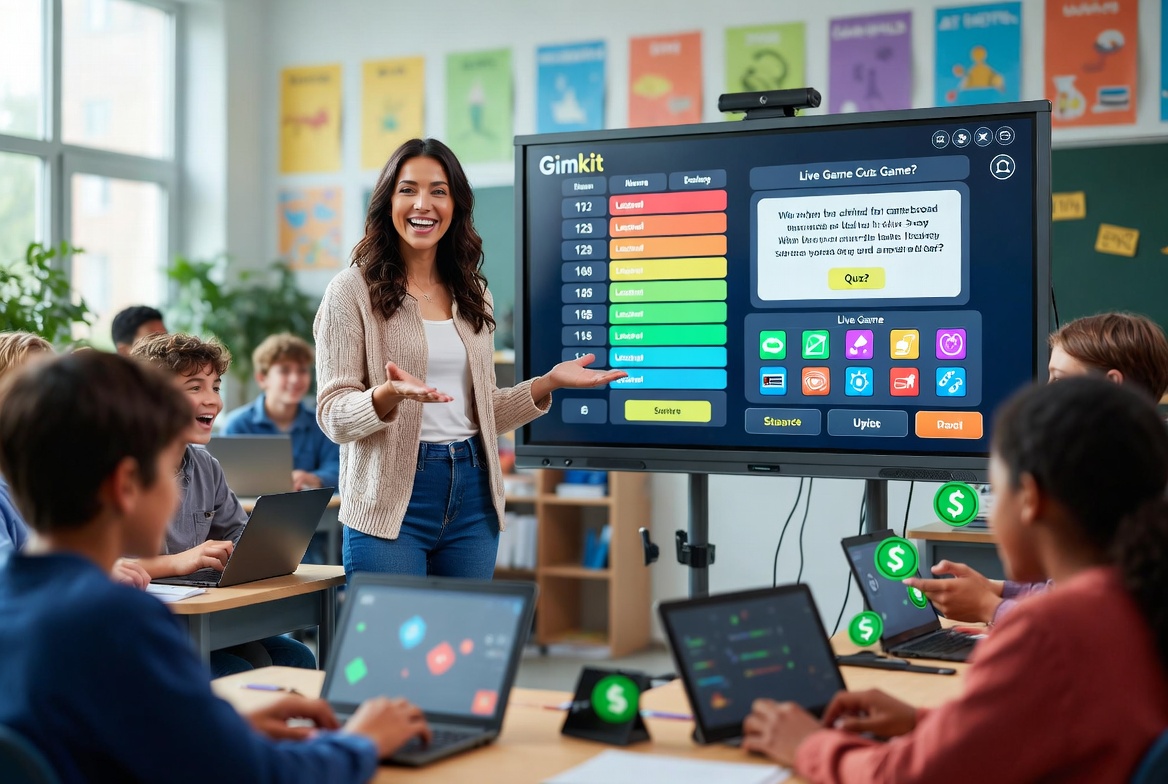
In today’s fast-evolving educational technology landscape, a Gimkit host serves as the skilled facilitator who transforms standard review sessions into immersive, competitive game show experiences using the Gimkit platform. Whether you’re a classroom teacher, homeschool parent, corporate trainer, or edtech enthusiast, mastering the role of a Gimkit host can dramatically enhance student participation, knowledge retention, and real-time feedback loops.
This comprehensive guide dives deep into what a Gimkit host does, how the underlying technology powers it, step-by-step hosting instructions, best practices, troubleshooting, comparisons, and future innovations. After spending time testing Gimkit across multiple middle school science and history units, I’ve seen firsthand how strategic hosting turns reluctant learners into enthusiastic participants who voluntarily revisit material.
Understanding Gimkit: The Technology Behind Modern Interactive Learning
Gimkit, created by high schooler Josh Feinsilber, is a browser-based live learning game platform that combines quiz mechanics with sophisticated gamification. A Gimkit host creates or selects “Kits” (question sets) and launches multiplayer sessions where students answer on personal devices while competing strategically.
Core Technology Stack Insights: Gimkit leverages real-time web technologies for low-latency multiplayer synchronization. Students join via a simple code on gimkit.com/join, enabling seamless participation without downloads. The system handles hundreds of concurrent users efficiently, with separate limits for 2D modes.
This setup addresses key pain points in traditional education: passive learning, limited feedback, and low motivation. By integrating spaced repetition—where students encounter questions multiple times—Gimkit aligns with proven cognitive science. Research shows spaced retrieval practice can improve long-term retention by 2-3x compared to cramming.
How to Become a Gimkit Host: Complete Step-by-Step Walkthrough (2026)
Here’s a detailed, practical guide based on real sessions:
- Sign Up and Setup: Visit gimkit.com and create a free educator account. Verify your role for full features.
- Create Your First Kit: Go to the dashboard. Click “Create Kit.” Add questions manually or use the AI generator by entering a topic and grade level. Include a mix of multiple-choice and open-response for depth. Aim for 20-50 questions initially.
- Select and Customize a Game Mode: From your Kit, click “Play Live.” Browse modes: Featured (classic), 2D immersive (Snowbrawl, Don’t Look Down), Tycoon twists, etc. Each offers unique strategy layers.
- Configure Game Options: Set starting cash, time limits, goals (cash target or timer), late join permissions, and class rostering. Enable nickname generator for fun.
- Launch the Lobby: Share the code, QR code, or link. Monitor the lobby for inappropriate names and kick if needed. In 2D modes, choose player or spectator view.
- Start and Manage the Game: Click “Start Game.” Use host controls for volume, leaderboard projection, player management, and early end. Watch real-time performance.
- Post-Game Analysis: Review detailed reports on accuracy, engagement, and mastery. Export data for grading.
Pro Tip from Testing: In a 7th-grade unit on ecosystems, starting with a simple Tycoon mode before advancing to One Way Out kept energy high without overwhelming new players.
Mobile Hosting: Yes, possible via browser, but desktop offers better lobby oversight. Use Chrome on tablets for smoother controls. Test connectivity first.
Free vs Pro Hosting: What You Need to Know
Free (Basic): Unlimited students in featured modes, classes, reports, and basic hosting. Great for starters.
Gimkit Pro: All modes, assignments for homework, advanced analytics, and priority support. Ideal for frequent hosts or larger schools. Many schools provide licenses.
In practice, free tier suffices for most weekly reviews, while Pro shines for differentiated assignments and full 2D experiences.
In-Depth Look at Game Modes and Host Strategies
Gimkit offers over 10 modes, each requiring different hosting approaches:
- Classic/Tycoon Modes: Focus on cash economy. Hosts emphasize strategy debriefs.
- 2D Modes (e.g., Snowbrawl, Don’t Look Down, Apocalypse): High engagement but need clear instructions on controls. Host as spectator initially.
- Cooperative/Team Modes: Great for building collaboration.
Hosting Best Practices:
- Align Kits tightly to learning objectives.
- Set clear expectations: “Focus on learning first, winning second.”
- Project leaderboards for class energy.
- Debrief after games: Discuss misconceptions.
- Rotate modes to maintain novelty.
- Use KitCollab for student-generated content.
Real-World Applications and Classroom Examples
Middle School Science: Hosting on cell biology with visuals in questions led to noticeable improvement in test scores. Students discussed strategies, reinforcing concepts socially.
High School History: Don’t Look Down mode for WWII timelines created memorable “nail-biter” moments.
Remote/Hybrid: During hybrid weeks, hosts shared screens while students joined from home. Assignments ensured continuity.
Corporate Training: Sales teams use it for product knowledge—cash economy mirrors deal-closing incentives.
Student-Hosted Games: Advanced students can host review sessions, developing leadership skills (with teacher oversight).
Benefits Backed by Research and Experience
- Engagement: Meta-analyses show gamification yields large effect sizes on motivation (g=0.822).
- Retention: Combines retrieval practice and spacing for superior outcomes.
- Differentiation: Reports highlight individual needs instantly.
- Equity: Device-based pacing accommodates varied speeds.
- Skill-Building: Teaches economics, strategy, and digital citizenship.
From classroom testing, shy students often led in strategy discussions, boosting confidence.
Limitations and Honest Challenges
- Device/internet dependency.
- Potential for distraction if not managed.
- Free tier mode rotation.
- Preparation time for high-quality Kits.
- Risk of over-competition—mitigate with team options and focus on growth.
Troubleshooting Common Gimkit Host Issues:
- Connection Problems: Check gimkit.com/check, firewalls, and server status. Clear cache or try different network.
- Game Not Starting: Ensure all players joined; refresh; verify code.
- Lag in 2D Modes: Reduce visual complexity or player count (max ~500 standard, 60 for 2D).
- Students Can’t Join: Confirm link/code; browser compatibility (WebGL).
- Reports Missing: Use Classes feature for better tracking.
Always test sessions beforehand.
Comparison Table: Gimkit vs Competitors (Properly Formatted)
| Feature | Gimkit Host | Kahoot! | Blooket | Quizizz |
|---|---|---|---|---|
| Gamification Depth | High (Economy + 2D Worlds) | Medium (Basic Leaderboards) | High (Variety) | Medium |
| Spaced Repetition | Strong (Multi-exposure) | Limited | Good | Strong |
| Student Limit | 500+ (standard) | Varies | Varies | High |
| Homework/Assignments | Excellent (Pro) | Basic | Available | Strong |
| Analytics | Detailed Mastery Reports | Good | Good | Excellent |
| AI Tools | Kit Generator | Emerging | Some | Yes |
| Best Use Case | Deep Review + Strategy | Quick Polls | Fun Variety | Self-Paced |
Gimkit excels in sustained, strategic depth.
Advanced Hosting Tips and Best Practices for 2026
- Differentiation: Create multiple Kits at varying difficulties.
- Integration: Link with Google Classroom or LMS.
- Assessment: Use reports for formative insights, not just summative grades.
- Inclusivity: Offer “clean power-ups only” and audio options.
- Mobile Optimization: Test on student phones; provide QR codes.
- Data Privacy: Follow school policies; use rostering.
Classroom Management Tips: Establish “Gimkit Rules” upfront. Use spectator mode to monitor without competing. Celebrate learning wins over pure scores.
The Science of Why It Works: Gamification, Spaced Repetition, and More
Gamification satisfies psychological needs for autonomy, competence, and relatedness. Studies confirm boosts in engagement and outcomes. Combined with spaced repetition, it creates powerful learning loops.
Cognitive research supports active retrieval over passive review. Gimkit’s repeated questions and immediate feedback exemplify this.
Future of Gimkit Hosting: Trends and Innovations
Expect deeper AI personalization, potential VR modes, enhanced analytics with predictive insights, and more collaborative tools. Seasonal updates keep content fresh. As hybrid learning grows, Gimkit positions hosts at the forefront of interactive education.
Expanded FAQ: Answering High-Intent Questions
What is a Gimkit Host? The person (usually a teacher) who creates Kits and runs live games.
How do students join a Gimkit game? Go to gimkit.com/join, enter the code or scan QR.
Is Gimkit Host free? Yes for basic use; Pro unlocks more.
How many students can join? Up to 500 in standard modes; ~60 in 2D.
Can students host Gimkit games? Yes, with limitations on free/student accounts.
Why isn’t my game starting? Common fixes: Refresh, check connections, ensure all joined.
How do I share the game code effectively? Project it, use QR, or direct links.
Can I host from my phone? Yes, but desktop recommended for controls.
What are common errors? Firewall blocks, outdated browsers, poor internet.
Conclusion: Level Up Your Teaching with Gimkit Host Mastery
Becoming an effective Gimkit host is one of the highest-ROI moves in modern education. It combines technology, psychology, and pedagogy to create memorable learning experiences that stick.
Start small, iterate with data, and watch your students thrive. Whether for daily reviews or special events, Gimkit hosting delivers engagement that traditional methods struggle to match.
Share this content:




Post Comment