Business Technology
database monitoring dashboards, database observability tools, database optimization software, database performance analytics, database performance monitoring tools, database troubleshooting tools, db2 database management, db2 performance monitoring, db2 performance optimization, db2 performance tuning tools, db2 workload analysis, db2 workload manager tools, enterprise database monitoring, enterprise database monitoring solutions, enterprise database performance tools, ibm infosphere optim performance manager, ibm optim performance manager, optim performance manager, optim performance manager db2, sql performance monitoring
novabiztech
0 Comments
Optim Performance Manager: Powerful IBM Db2 Performance Monitoring Guide
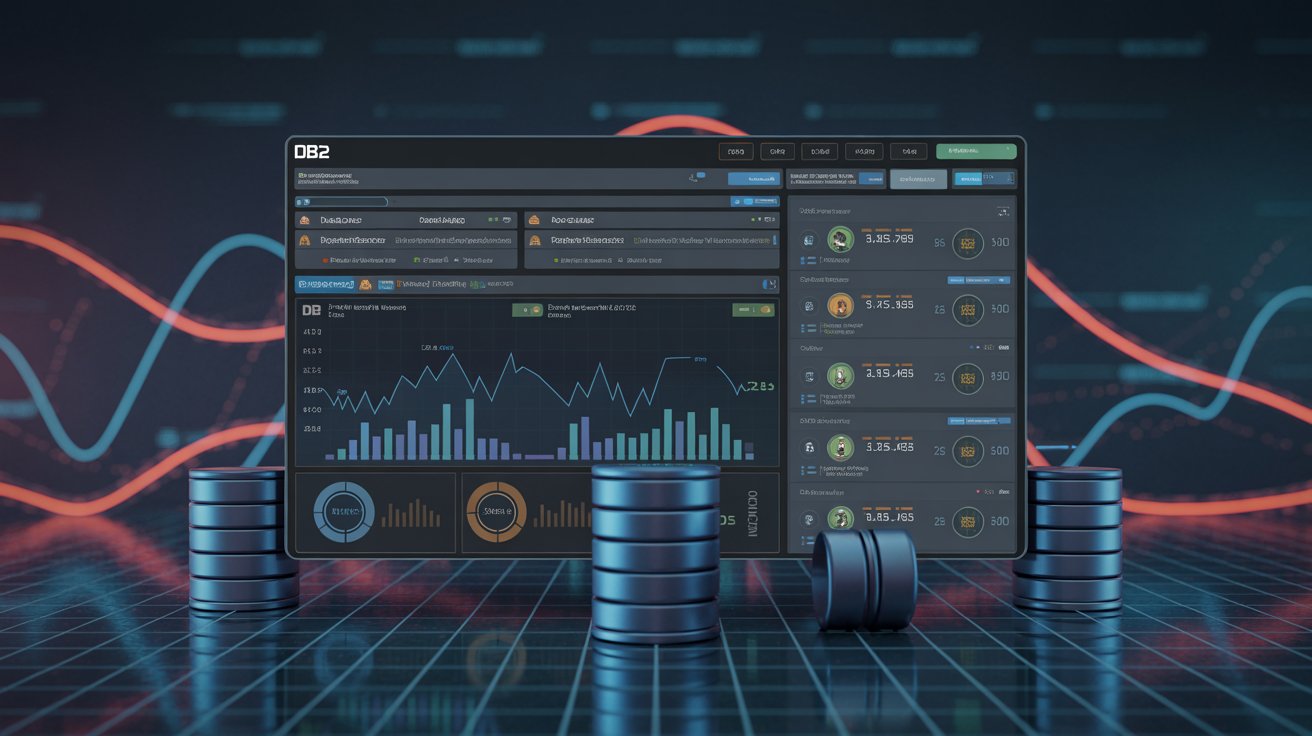
High-volume Db2 environments leave little room for performance surprises. A sudden spike in lock contention or slow query execution can quickly affect service levels and user experience. Optim Performance Manager (IBM InfoSphere Optim Performance Manager) serves as a dedicated database performance monitoring and performance optimization software built specifically for IBM Db2 for Linux, UNIX, and Windows (LUW).
Drawing from more than 10 years optimizing large-scale Db2 deployments in finance, retail, and manufacturing, this guide delivers practical insights for DBAs, developers, and IT leaders. You’ll learn what is Optim Performance Manager, how IBM Optim works, its key features, setup steps, tuning techniques, and how it compares to modern alternatives.
What Is Optim Performance Manager?
Optim Performance Manager is IBM’s web-based tool for monitoring, analyzing, and tuning Db2 database performance. It provides a centralized web console to isolate typical performance problems and supports single-instance, partitioned, and pureScale configurations.
What is Optim Performance Manager? Optim Performance Manager is IBM’s enterprise-grade database performance monitoring tool that offers real-time and historical metrics, Extended Insight for end-to-end transaction visibility, proactive alerts, and guided diagnostics to identify, resolve, and prevent bottlenecks in Db2 systems.
Core Purpose
- Surface issues before they impact business users
- Correlate metrics across application, network, database, and OS layers
- Enable informed capacity planning through historical trends
- Integrate with the broader IBM Db2 performance management ecosystem
Key Benefits
- Proactive alerting on locks, expensive SQL, resource contention, and anomalies
- Extended Insight that breaks down full transaction response times
- Faster mean-time-to-resolution using interactive dashboards and workflows
- Reduced infrastructure costs by optimizing resource usage
- Db2-native depth superior to many generic database tuning tools
According to IBM’s official documentation, Optim Performance Manager provides a web console to isolate and analyze typical database performance problems, with Extended Insight extending visibility into associated applications.
Key Features of Optim Performance Manager
The tool includes capabilities tailored for complex enterprise Db2 workloads:
- Web-Based Console — Customizable dashboards offering health summaries, KPI trends, and detailed drill-down analysis.
- Monitoring Templates — Pre-configured profiles optimized for OLTP, BI/analytics, SAP, and pureScale environments.
- Extended Insight — Captures timings from client applications through the network to the Db2 server for complete transaction visibility.
- Advanced Alerting — Flexible thresholds with notifications via email, SNMP, or custom actions.
- Performance Warehouse — Long-term historical storage for baseline comparisons and trend reporting.
- Workload Analysis — In-depth views of SQL statements, buffer pools, I/O, locking events, and utilities.
- IBM Integrations — Works seamlessly with Optim Query Workload Tuner, Db2 Workload Manager, and related tools.
- pureScale Support — Specialized metrics for cluster cache facility, group buffer pools, and member health.
These features make Optim Performance Manager a strong choice among enterprise data tools for organizations relying on IBM Db2.
How Optim Performance Manager Works
The architecture balances low overhead with rich diagnostic power:
- Data Collection — Lightweight agents and Db2 monitor switches gather metrics at configurable intervals.
- Repository Database — Performance data is stored in a dedicated Db2 database for historical analysis.
- Web Console — An embedded server delivers real-time and historical views through a browser interface.
- Extended Insight Components — Client-side modules on application servers provide full transaction timing correlation.
- Analysis Engine — Built-in intelligence detects deviations from baselines and triggers alerts or suggestions.
This design allows starting from a high-level business symptom and quickly tracing it to the root cause.
Database Performance Monitoring Explained
Effective database performance monitoring involves more than checking CPU or memory usage. It requires understanding query efficiency, concurrency, storage behavior, connection management, and upstream application interactions.
Optim Performance Manager provides correlated metrics in context. Teams set baselines during normal operations and spot deviations caused by code changes, configuration drift, or load spikes. This holistic view prevents optimizing the database in isolation while missing issues elsewhere in the stack.
Enterprise Use Cases for Optim Performance Manager
Real-world deployments show tangible results:
- Banking OLTP Environment — Extended Insight identified that substantial transaction latency came from application connection pooling. Adjustments improved response times by around 35%.
- Retail Analytics Workload — Workload analysis revealed excessive table scans in ETL jobs. Tuning recommendations shortened batch windows by nearly 50%.
- Manufacturing pureScale Cluster — Specialized dashboards and alerts helped maintain sub-second performance during peak seasons and avoided outages.
These examples illustrate how the tool converts raw data into business-level improvements.
Benefits for DBAs and IT Teams
Using Optim Performance Manager typically delivers:
- Reduced time spent on manual log reviews and troubleshooting
- Better alignment of technical metrics with business SLAs
- Guided analysis that helps less-experienced team members contribute effectively
- More accurate capacity planning to defer unnecessary hardware spend
- Auditable records supporting compliance and reporting needs
Step-by-Step Setup Guide for Optim Performance Manager
Here is a practical implementation outline (always verify against the latest IBM documentation for your Db2 version):
- Prerequisites — Confirm supported Db2 levels, repository resources, and licensing.
- Install Server Component — Run the installer and designate the repository database location.
- Configure Repository — Create or connect to a Db2 database (restricted-use options often available).
- Activate Features — Enable Extended Insight licensing as needed.
- Access Web Console — Typically via http://server:55000/optimdatatools/console.
- Add Databases — Use the Task Launcher to select templates and deploy monitoring settings.
- Deploy Extended Insight Clients — Install on application servers for end-to-end visibility.
- Set Alerts and Policies — Define thresholds, notifications, and data retention.
- Validate — Confirm metrics flow into the Health Summary dashboard.
Expert Tip: Use IBM planning resources early to streamline configuration.
Performance Optimization Techniques Using Optim Performance Manager
Turn insights into action with these proven techniques:
- Export expensive SQL to Optim Query Workload Tuner for index and statistics recommendations.
- Analyze buffer pool hit ratios and adjust memory allocations based on real usage.
- Review locking dashboards to resolve contention through indexing or workload management.
- Identify I/O hotspots and apply storage optimizations or partitioning.
- Track baselines over time to measure tuning ROI and detect gradual degradation.
Consistent application often uncovers seasonal patterns or slow drifts that manual methods miss.
Common Issues and Troubleshooting
No data appearing in console → Verify monitor switches are enabled, schedules are active, and firewall ports (default 55000 range) are open.
High lock waits → Use the Locking Analysis view to identify holders and waiters, then address application or schema issues.
Incomplete Extended Insight data → Confirm client components are installed correctly and communicating with the server.
Repository growth → Schedule pruning and adjust retention policies.
Alternatives to Optim Performance Manager
Optim Performance Manager offers strong Db2-native depth, but other tools may fit different needs. Here’s a clear comparison:
| Tool | Primary Strength | Best Suited For | Key Limitation vs. Optim PM | Pricing Model |
|---|---|---|---|---|
| IBM Optim Performance Manager | Extended Insight & native Db2 metrics | Pure Db2 LUW and pureScale | Focused on IBM Db2 ecosystems | IBM licensing |
| IBM Data Server Manager | Modern unified Db2 management | Smaller or mixed Db2 setups | Less extensive historical analysis and Extended Insight | Often bundled with Db2 |
| SolarWinds DPA | Multi-vendor query analysis | Heterogeneous database environments | Shallower Db2-specific depth | Subscription |
| Dynatrace | AI-powered full-stack observability | Hybrid/cloud applications | Higher cost; less Db2 specialization | Usage-based |
| Datadog DB Monitoring | Cloud-native integrations | Modern observability stacks | Requires customization for deep Db2 insights | Per-host/subscription |
For heavy IBM Db2 investments, Optim Performance Manager frequently provides the best combination of insight and integration. Note that IBM has evolved its broader performance tools, with Data Server Manager serving as a simplified alternative in some scenarios.
Future of Database Performance Tools
Database monitoring in 2026 and beyond emphasizes intelligence and automation. Key directions include:
- AI-driven observability — Predictive detection of anomalies and automated root-cause analysis.
- Autonomous tuning — Machine learning models that recommend or apply optimizations dynamically.
- Hybrid/cloud visibility — Unified monitoring across on-premises Db2, Db2 on Cloud, and containerized deployments.
- Integration with modern APM — Tighter connections to platforms like IBM Instana for end-to-end application and infrastructure insights.
IBM continues advancing Db2 with features that reduce operational friction and enhance AI readiness. While Optim Performance Manager remains useful for supported Db2 environments, teams should assess how it complements emerging AI-augmented and cloud-native observability solutions.
Best Practices for Optim Performance Manager
- Start with lightweight templates and scale monitoring detail gradually.
- Establish baselines during representative workloads.
- Integrate alerts with incident management systems.
- Schedule reports for stakeholders.
- Maintain the performance warehouse to control storage.
- Combine with Optim Query Workload Tuner for complete tuning workflows.
FAQ – Optim Performance Manager
What is Optim Performance Manager? It is IBM’s web-based database performance monitoring and optimization tool for Db2 environments, offering real-time dashboards, Extended Insight, and guided diagnostics.
How does IBM Optim Performance Manager work? It collects metrics into a repository database, presents them via a web console, and uses Extended Insight for end-to-end transaction visibility.
Is Optim Performance Manager still supported? It remains available for supported Db2 versions. IBM continues evolving its broader performance and observability portfolio. Check current compatibility matrices.
What are the main benefits? Faster resolution, proactive prevention, reduced downtime, lower costs, and improved SLA alignment.
Does it support Db2 pureScale? Yes, with dedicated templates and metrics for cluster components.
What is Extended Insight? A feature that measures and correlates response times from client applications through the network to the Db2 server.
What are good alternatives? For Db2-centric setups, consider IBM Data Server Manager. Multi-vendor environments may prefer SolarWinds DPA, Dynatrace, or Datadog.
Conclusion
Optim Performance Manager delivers robust, Db2-native database performance monitoring and optimization capabilities. Its web console, Extended Insight, historical warehousing, and guided analysis help DBAs and IT teams maintain efficient systems with less reactive effort.
Actionable Next Steps
- Review the latest IBM documentation for your Db2 release.
- Pilot the tool on a non-production instance.
- Configure templates aligned with your critical workloads.
- Integrate alerts into existing operations processes.
Implementing these practices with Optim Performance Manager can transform Db2 performance management into strategic advantage.
Author Bio
TOM is a database performance specialist with over 10 years of experience optimizing enterprise IBM Db2 environments across finance, retail, and manufacturing sectors.
Share this content:




Post Comment